urZONE Cookie Consent v1.2.0
 By Osiris83 Updated:
Overview & Details
Introducing urZONE Cookie Consent: a Friendly Cookie Banner for WordPress
Most cookie banners get in the way. They cover the page, lock the screen, or make visitors click through several steps just to read your content. We built urZONE Cookie Consent to do the opposite.
It’s a small WordPress plugin that shows a clean banner, asks one simple question, and gets out of the way.
What it does
When someone visits your site, the banner slides in from the edge of the screen after a short delay. They can click Accept or Decline, and the banner slides back out. Their choice is saved in a real browser cookie (scc_consent) for 180 days by default, so they won’t be asked again on every page.
If a visitor would rather ignore it, they can close it with the X. That hides it for the current visit without recording a choice.
Built not to get in the way
There’s no full-screen overlay and no scroll lock.
It never blocks your content, checkout, or login.
If the script ever fails, the banner simply doesn’t appear. Nobody gets locked out of your site.
It respects visitors who have reduced motion turned on.
Adding it to your pages
The banner is controlled with shortcodes, so you decide where it appears.
Show the banner:
Customize it:
You can place it at the bottom, bottom-left, bottom-right, or top, change the wording and button labels, and match the accent color to your brand.
Let visitors change their mind:
Cookie settings
Put this link in your footer or privacy page, and visitors can reopen the banner whenever they like.
You’ll find all the shortcodes, with copy buttons, on the urZONE Cookie Consent page in your WordPress admin menu.
For developers
Check a visitor’s choice in PHP with urzone_cc_has_consent(), or listen for the scc:change event in JavaScript to load analytics or marketing scripts only after someone accepts.
Get started
Upload the plugin, activate it, and add to a page or footer widget. It takes about a minute, and your visitors get a polite, simple way to make their choice.
Note: this plugin records and exposes your visitors’ choice, but it doesn’t block scripts on its own. If your site needs to hold back analytics or tracking until consent is given, use the helper function or event above, and check what your local privacy laws require.
Download urZONE Cookie Consent v1.2.0
Use the button below to open the download destination.
Similar Downloads You May Like
More downloads from the catalog.

One window.More possibilities.Free vs Pro.
THE OVERVIEWYour site, with a window into another.urZONE Mirror shows another website (or a page of your own site)…
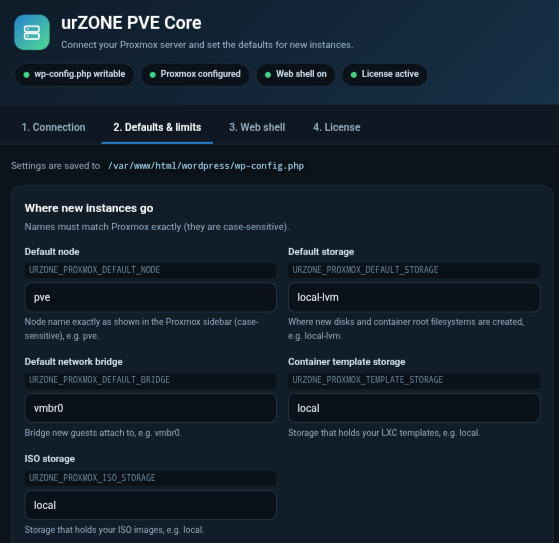
urZONE PVE Settings
Description By Osiris Simmons (Osiris83) If you run Proxmox VE behind WordPress with urZONE PVE Core, you need somewhere…
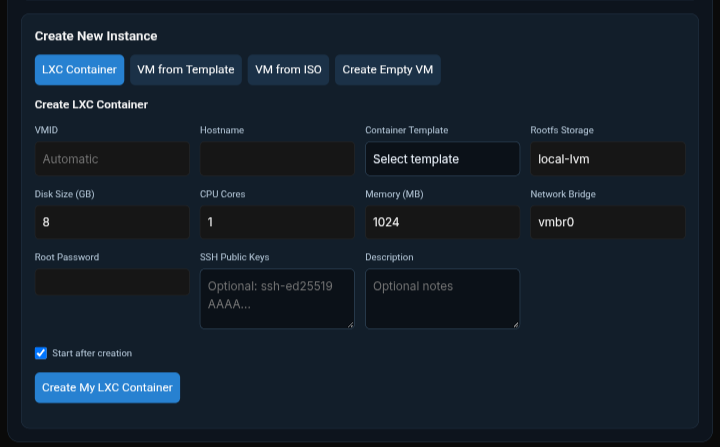
urZONE PVE Core
Description By Osiris Simmons (Osiris83) urZONE PVE Core is the engine behind self-service cloud management on WordPress. It contains…