urZONE Site Convert
 By Osiris83 Updated: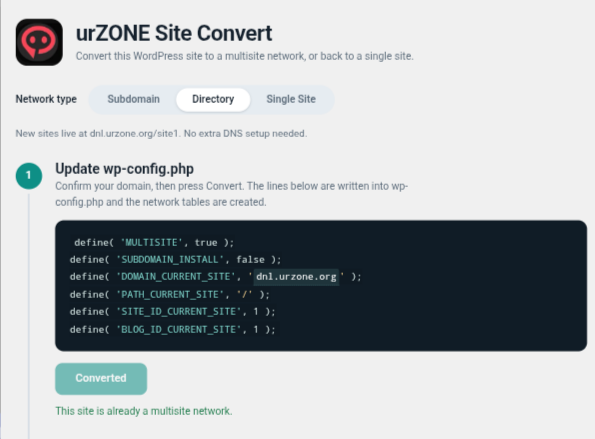
Overview & Details
Description
urZONE Site Convert adds one screen to your WordPress admin that handles the whole conversion.
Convert to multisite
Choose Subdomain or Directory
Step 1 writes the multisite lines to wp-config.php and creates the network tables
Step 2 checks your .htaccess and writes the matching rules
Optional Step 3 updates siteurl and home, with a Test button that shows the stored values
Convert back to a single site
Delete All Subsites in one click, with a warning that it can not be undone
Convert to Single SitConvert a single WordPress site into a multisite network in guided steps, or convert a network back to a single site. Backs up wp-config.php and .htaccess before every change.
e restores wp-config.php and the standard .htaccess rules
Network tables stay in your database, so you can convert again later
Good to know
Requires WordPress 5.6+ and PHP 7.2+
wp-config.php must be writable, and .htaccess must be writable on Apache or LiteSpeed
Backups are saved next to each file before it is changed
Download urZONE Site Convert
Use the button below to open the download destination.
Similar Downloads You May Like
More downloads from the catalog.
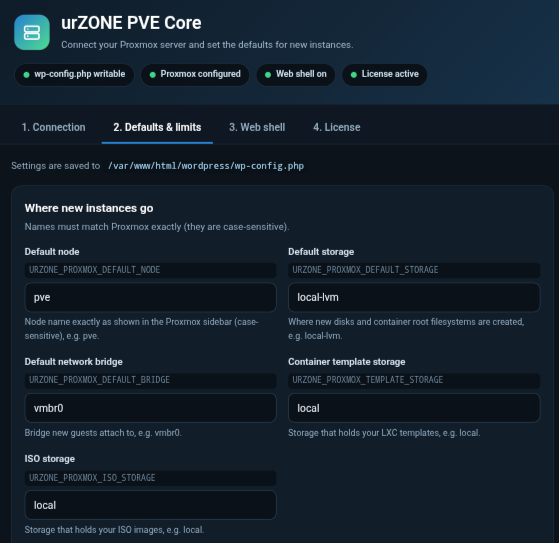
urZONE PVE Settings Pro
Description Sorry, but you do not have permission to view this content.
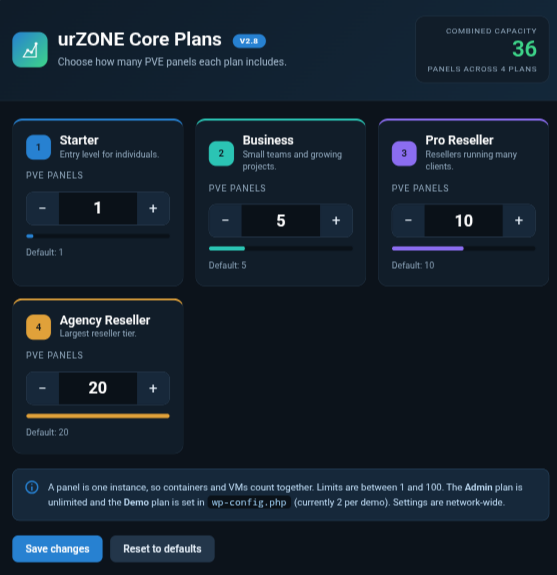
urZONE PVE Core Pro
Description Sorry, but you do not have permission to view this content.
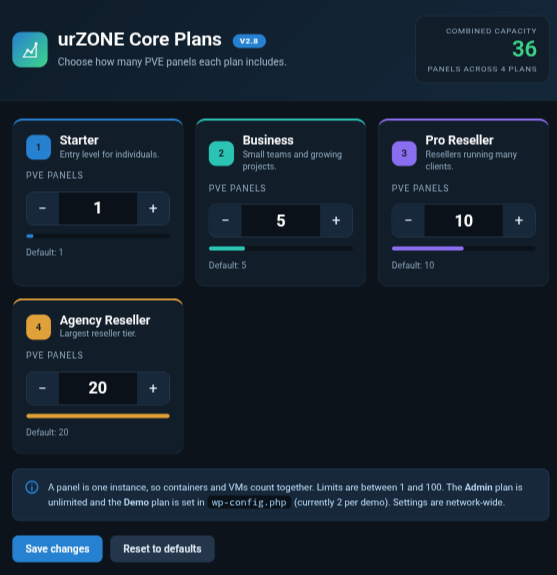
urZONE PVE Core-1 year
The engine behind urZONE PVE. Run a Proxmox VE hosting dashboard inside WordPress, with live charts, container and VM…